
01
Browser-based field updates
Use Oporo on phones and tablets to update asset status, commissioning dates and project-defined information.
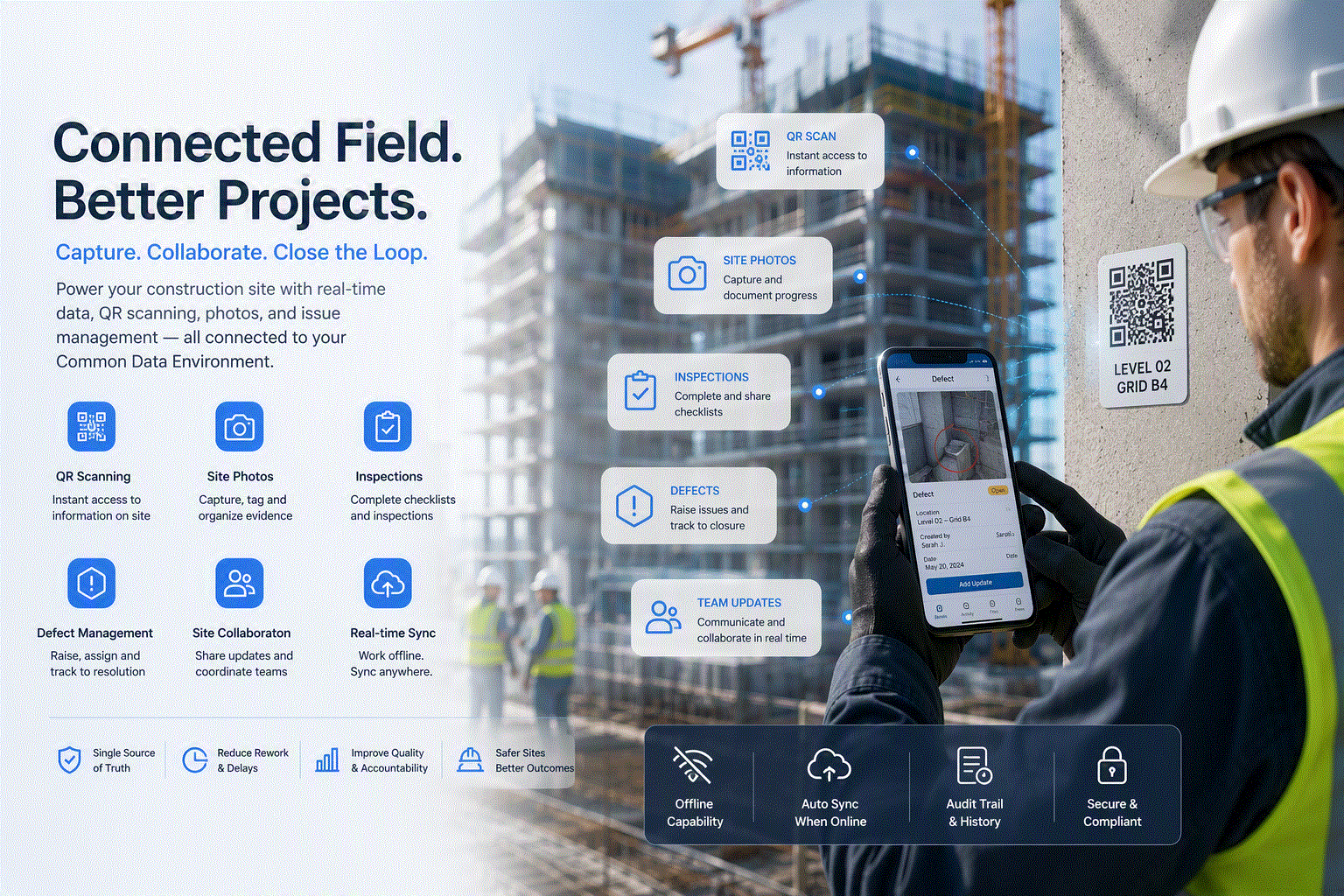
Give delivery teams a direct way to update asset information, record evidence and resolve issues while keeping every site submission connected to the building record.
Site capabilities
Oporo keeps field updates structured, traceable and connected to the information teams already use.
Use Oporo on phones and tablets to update asset status, commissioning dates and project-defined information.
Capture photographs for issues and comments so visual evidence remains with the coordination record.
Scan a code on site to open the right asset record, review its information and submit updates without searching.
Raise site issues with clear context, assign responsibility and retain the evidence needed to close them out.
Record asset status and commissioning milestones alongside model-derived asset properties such as serial numbers.
Review asset and space registers alongside specification validation results to identify incomplete information.
Connected workflow
Field information enters the same asset record used for verification and handover, reducing re-entry and missing context.
Practical tools
Simple tools for capturing accurate information without separating field teams from the project record.
Record status, commissioning dates and project-defined asset information.
Attach photographs and visual evidence to issues and comments.
Open the correct asset or space record at the point of work.
Assign actions, monitor status and retain a clear close-out history.
Prioritise work by location, system, contractor, status or missing information.
Review current asset information and specification validation results.
Connect site and handover